Docker Agent meets Kronk safely with sbx

There are many ways to run LLM models locally. For example with Docker Model Runner or Ollama. Among the newcomers, there is Kronk, a project created by William Kennedy, which is built on top of Yzma, developed by Ron Evans.
Today, we’ll use Kronk with my favourite AI agent TUI, docker-agent, all running in a secure environment with sbx. But let’s start with a quick introduction to Kronk.
docker-agentis a CLI tool that lets you define and run AI agents using a declarative YAML file, with access to tools (shell, filesystem, MCP) and support for multiple providers (OpenAI, Anthropic, Gemini…).sbxis a Docker CLI that creates and manages sandboxes inside a microVM, providing an extra isolation layer to run AI agents safely, with workspace mounting, secrets management and network policies.
Kronk?
Kronk is a local LLM inference server written in Go, built on top of Yzma (non-CGO Go bindings for llama.cpp) to run GGUF models with hardware acceleration (GPU/CPU). It exposes an HTTP API compatible with both OpenAI and Anthropic, which means you can query local models exactly the same way you would with cloud APIs.
- To install it, head over here: https://www.kronkai.com/#install
- We’ll talk more about Yzma in a future article.
Once Kronk is installed, you can start it in the background:
kronk server start --detach
Pull a GGUF model from Hugging Face:
kronk model pull janhq/Jan-code-4b-gguf:Q8_0
Check the list of available models to get your model ID:
kronk model list
You should get something like this:
URL: http://localhost:11435/v1/models
VAL   MODEL ID             PROVIDER   FAMILY             MTMD   SIZE     MODIFIED
✓     Jan-code-4b-Q5_K_M   janhq      Jan-code-4b-gguf          3.2 GB   1 hour ago
✓     Jan-code-4b-Q8_0     janhq      Jan-code-4b-gguf          4.7 GB   1 minute ago
You can then use the http://localhost:11435/v1 endpoint to query the model:
curl -X POST http://localhost:11435/v1/chat/completions \
  -H "Content-Type: application/json" \
  -d '{
    "model": "Jan-code-4b-Q8_0",
    "messages": [
      {"role": "user", "content": "I need a getting started in Rust"}
    ],
    "stream": true
  }'
Now that we’ve covered the basics of Kronk, let’s move on to the integration with docker-agent and sbx for a secure local AI agent experience.
Integration with docker-agent and sbx
Create a working directory and inside it let’s start by creating the docker-agent configuration file: config.yaml.
Configure the Kronk provider in docker-agent
docker-agent lets you define custom providers to use the inference engine of your choice. Here, we’ll configure a provider for Kronk:
providers:
  kronk:
    api_type: openai_chatcompletions
    base_url: http://host.docker.internal:11435/v1
✋ Why
host.docker.internal?: To reach services running on your host machine (like our Kronk server), you need to usehost.docker.internal, a special address provided by Docker that allows containers running insidesbxto access host services.11435is the default port Kronk listens on.
In the end, your config.yaml should look like this:
agents:

  root:
    model: brain
    description: Mario

    instruction: |
      Your name is Mario. You are coding expert.

    toolsets:
      - type: shell
      - type: filesystem


providers:
  kronk:
    api_type: openai_chatcompletions
    base_url: http://host.docker.internal:11435/v1

models:
  brain:
    provider: kronk
    model: Jan-code-4b-Q8_0

    temperature: 0.0
    top_p: 0.9
Creating a kit for sbx to simplify configuration
A kit for sbx is a spec.yaml file that lets you describe an agent (Docker image, entrypoint, environment variables, network policies, …) and is applied to the microVM at sandbox creation time.
📝 Documentation: https://docs.docker.com/ai/sandboxes/customize/kits/
Still in the same directory, let’s create a spec.yaml file:
schemaVersion: 1
kind: agent
name: we-are-legion

network:
  allowedDomains:
    - host.docker.internal:11435

agent:
  image: docker/sandbox-templates:docker-agent
  entrypoint:
    run: [docker-agent, run, config.yaml]

environment:
  variables:
    OPENAI_API_KEY: I 💙 Kronk
✋
network.allowedDomains: This section is crucial to allow the agent to communicate with the Kronk server running on the host. By addinghost.docker.internal:11435to the list of allowed domains, we ensure that requests from the agent to Kronk won’t be blocked bysbx’s strict network policies.
Now that we have our config.yaml and our spec.yaml, we can create and start our sandbox.
Starting our Kronk + docker-agent sandbox
It’s that simple, just run the following command in your terminal:
sbx run --kit . we-are-legion
we-are-legionis the name of our agent/sandbox specified in thespec.yamlfile.- And when your sandbox is stopped, you can restart it with the same command.
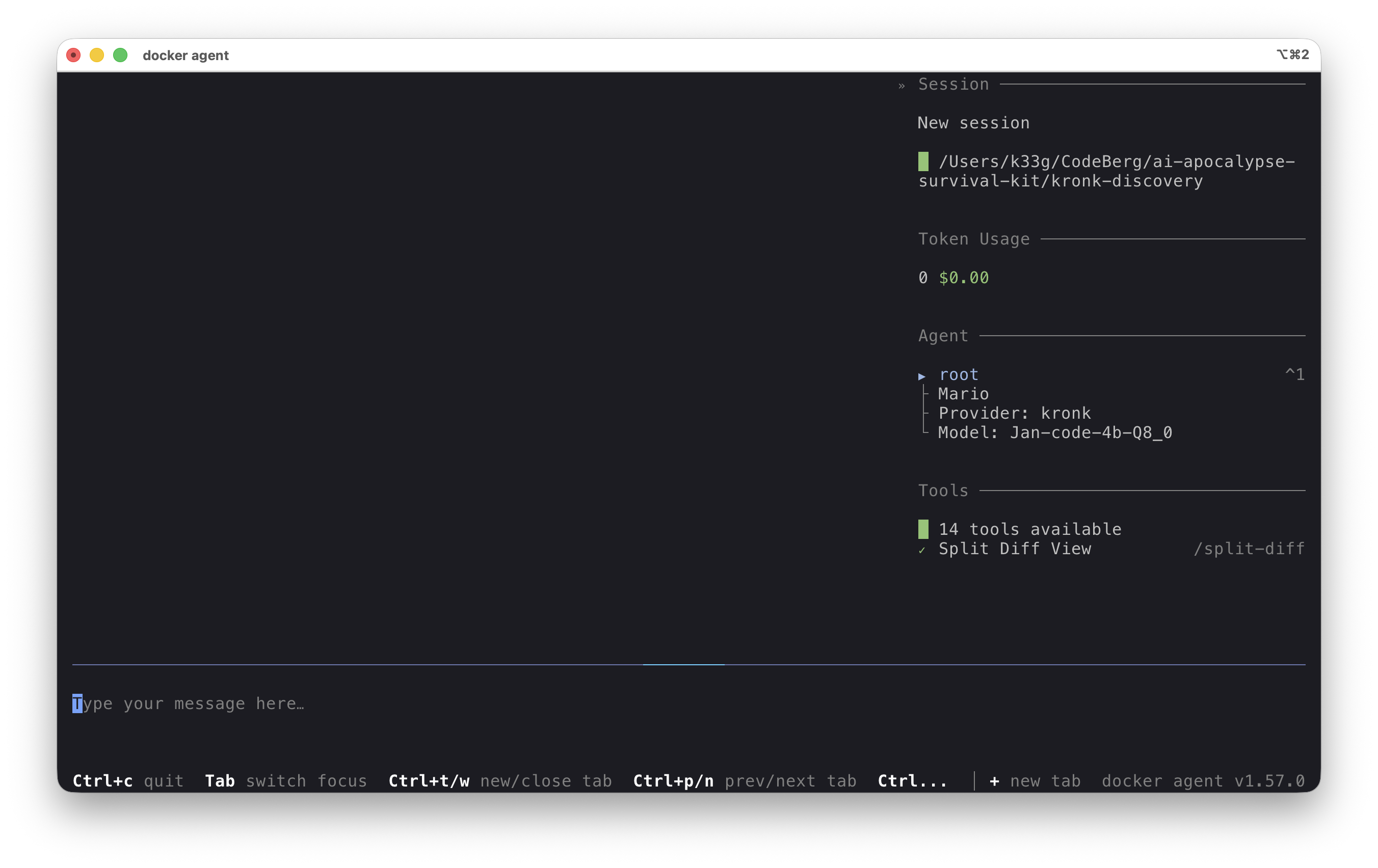
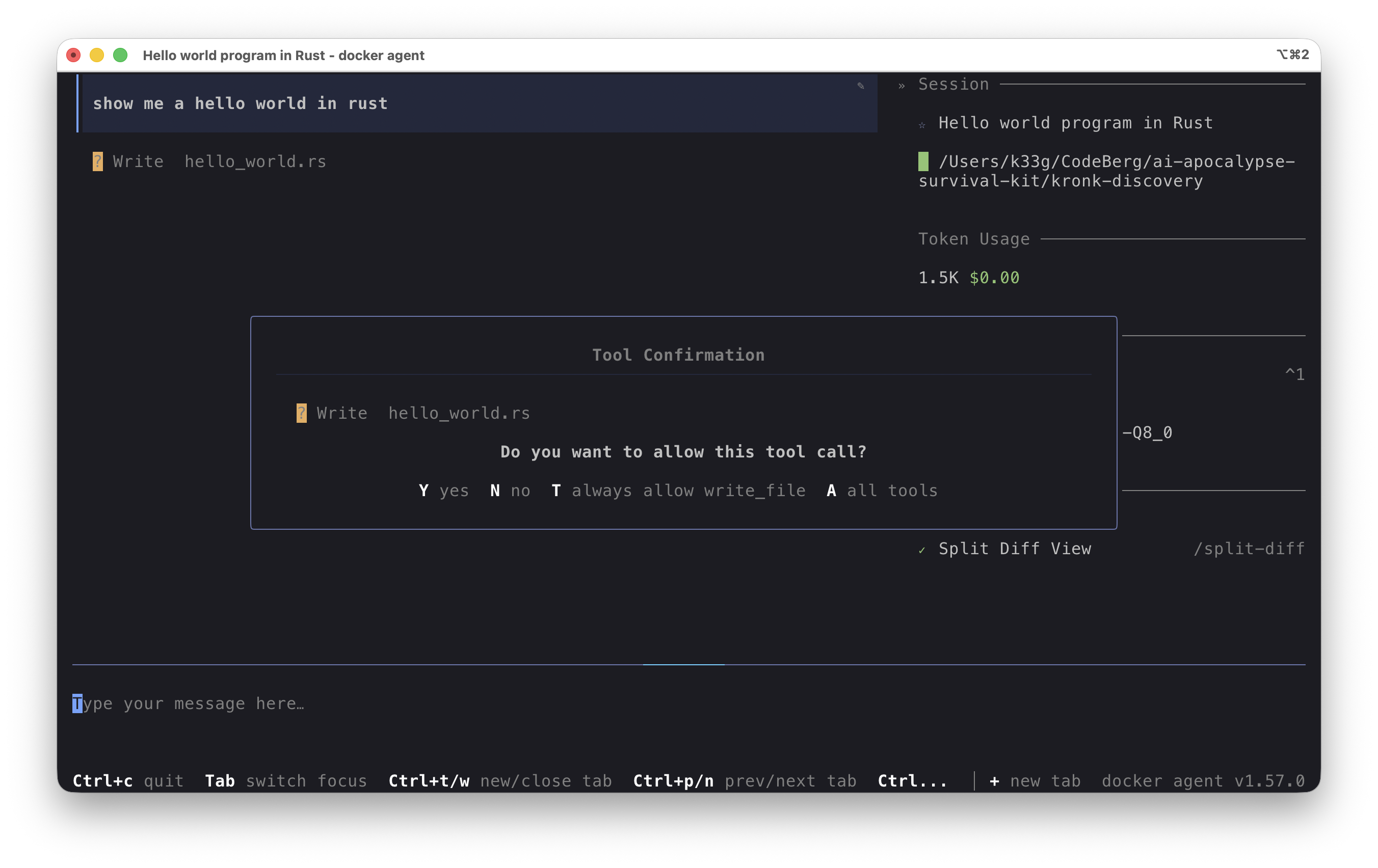
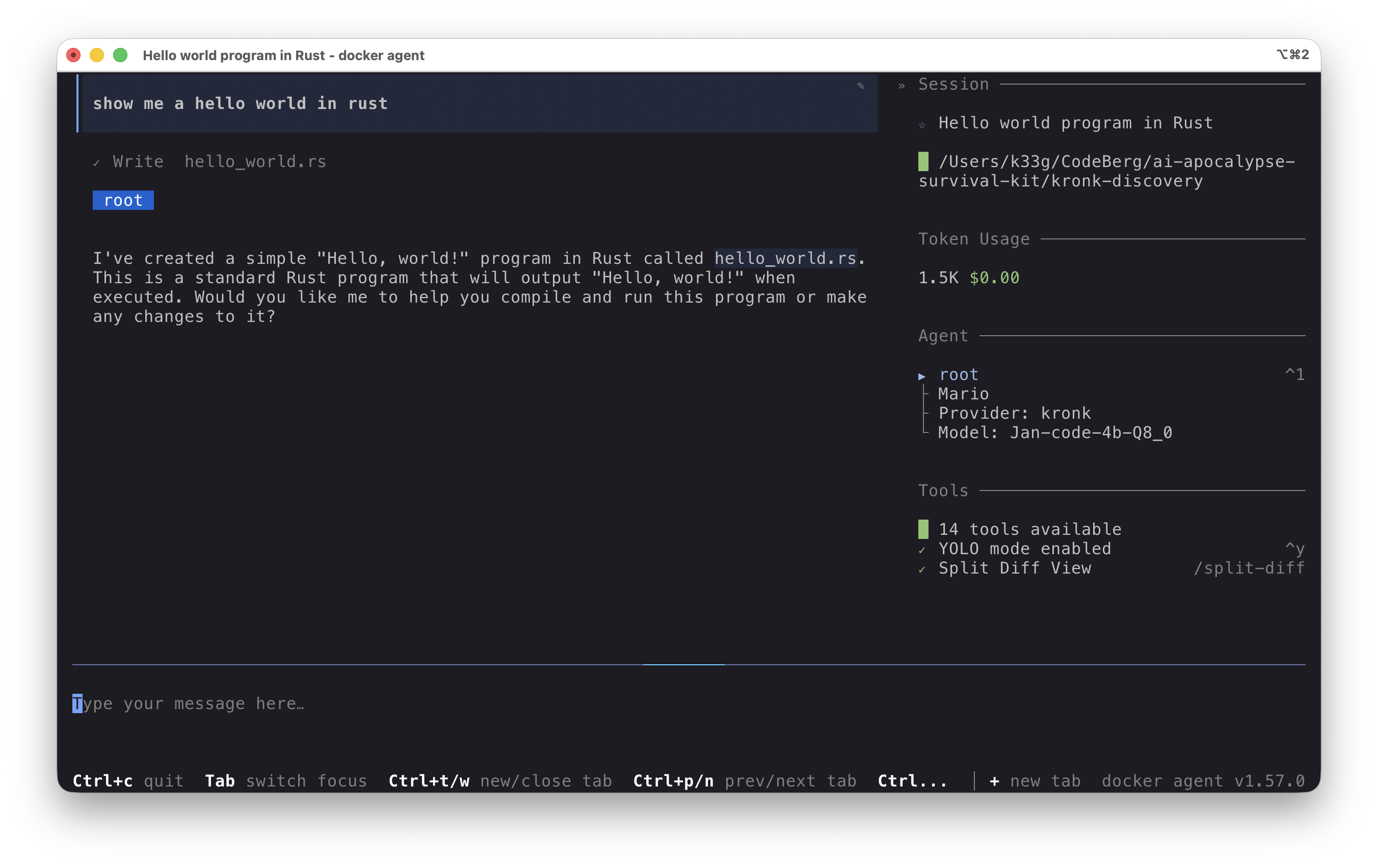
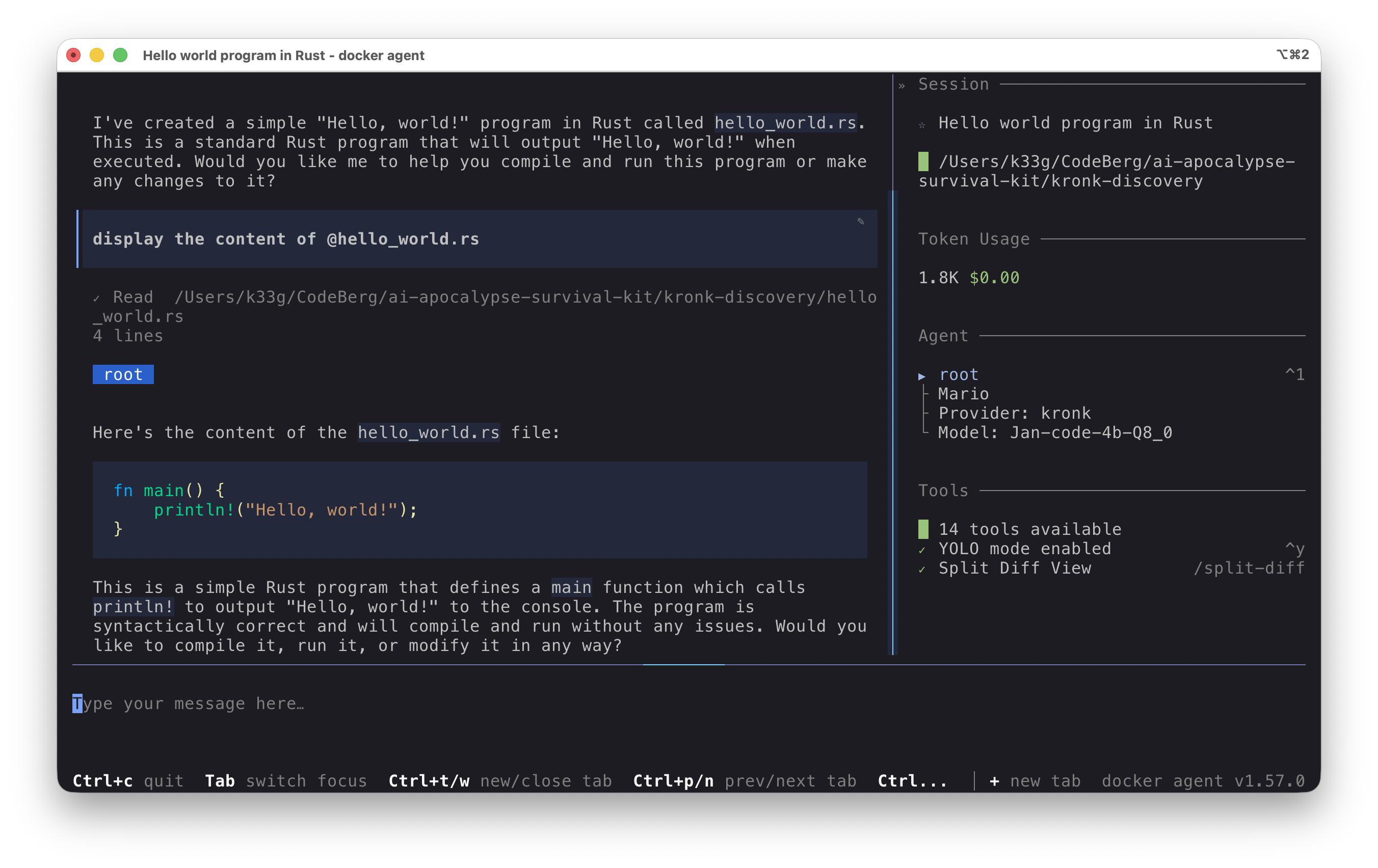
Once the sandbox is started, you can directly interact with the Kronk server from the docker-agent agent:
Conclusion
Thanks to sbx, we were able to create a secure environment to run our AI agent with docker-agent while using a local inference server with Kronk. This showcases the provider-agnostic nature of docker-agent, which can be used with any local or cloud inference engine, and the simplicity of sbx for easily launching and securing AI agent execution.
I’ll let you explore the possibilities of Kronk and the Jan Code model at your own pace.
You will find the source code associated with this blog post here: https://codeberg.org/ai-apocalypse-survival-kit/kronk-discovery