Pablo, a small Golang library to make your life easier with BubbleTea
Introduction
For a while now I’ve been working on various projects in parallel around AI, mostly involving small local models. The further I go in my experiments, the more I’m convinced of one essential point: you have to think about user experience in a radically different way when working with (very) small local models, compared to remote APIs (Anthropic, OpenAI,…). And that naturally has a direct influence on GUIs — and in my case, TUIs.
One unavoidable library for building TUIs in Go is BubbleTea. But I have to admit I’m really bad with it, and every time I try to integrate it into one of my projects it ends up as a wild and particularly inefficient vibe coding session: I don’t get quite what I want, it becomes unmaintainable, and even apps that didn’t start out vibe-coded turn into monsters.
So an extra layer of frustration tied to Claude Code… and also to my own laziness, being unable to make the effort to dig deeper.
To get out of this dead end, I took a different angle and decided to handle the GUI part in an external library that could make my life easier with BubbleTea, and that I could reuse across all my projects. I needed a library I could use even without AI, and that I actually understood. That’s how Pablo was born.
What is Pablo?
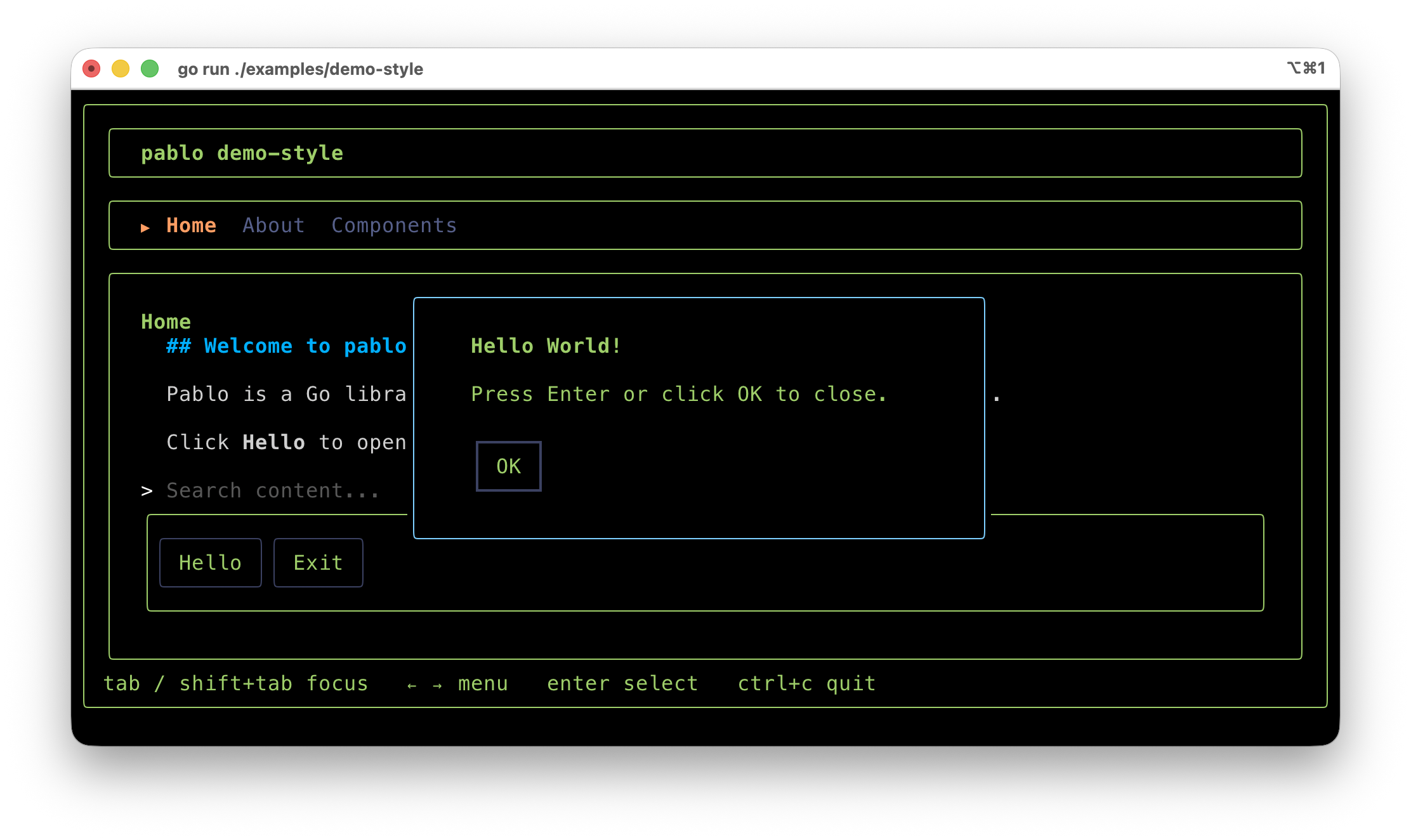
So, Pablo is a declarative TUI framework for Go, built on top of BubbleTea. The core idea is that instead of writing imperative Go code to assemble components, I describe my interface with an HTML-like syntax, and wire behaviour with a jQuery-style API. Pablo comes with ready-to-use components that I create and evolve based on the needs of my other projects. Pablo is less than a week old but already ships the following components:
| Tag | Description |
|---|---|
<screen> |
Root container — fills the terminal |
<box> |
Layout container — vertical or horizontal, supports borders, padding, overlay |
<text> |
Static or dynamic text |
<input> |
Single-line text input |
<inputcompletion> |
Single-line input with / command completion and @ file browsing |
<button> |
Clickable button (keyboard + mouse) |
<editbox> |
Multi-line text editor |
<editboxcompletion> |
Multi-line editor with / command, @ file, and $ skill completion |
<menu> |
Horizontal navigation bar with optional &shortcut keys |
<list> |
Scrollable item list |
<viewport> |
Fixed-height scrollable content area with optional scrollbar |
<spinner> |
Animated loading indicator |
<cyclingtext> |
Cycles through a list of labels at a fixed interval, with optional spinner prefix |
<timer> |
Stopwatch display — starts/stops via the running prop |
<markdown> |
Markdown-to-ANSI renderer (Glamour) |
More components will be added to the list. Existing ones will also evolve — as I make progress in the apps that use Pablo, I sometimes have to redesign certain components from a behavioural standpoint for example.
In the coming weeks I’ll probably write more articles/tutorials to explain how to use Pablo. But today, for this first introduction, I’ll stick to the unavoidable “Hello World”.
Hello World
So, set up a Go project and add Pablo as a dependency:
go mod init hello-world
go get codeberg.org/ui-disentangle/pablo@v0.0.5
Then create a main.go file with the following code:
package main

import (
	"errors"
	"fmt"
	"os"

	"codeberg.org/ui-disentangle/pablo"
	tea "github.com/charmbracelet/bubbletea"
)

const layout = `
<screen>
  <box
  	id="card"
	style="border: rounded; padding: 0 1; color: #E03D10;">

	<text id="title" style="bold: true">...</text>
	<text style="color: #565F89">Press ctrl+c to quit.</text>
	<button id="btn-hello">Hello People</button>
  </box>

</screen>
`

func main() {

	app := pablo.New()

	if err := app.Load(layout, nil); err != nil {
		fmt.Fprintln(os.Stderr, "load error:", err)
		os.Exit(1)
	}

	app.Component("title").SetProp("value", "👋 Hello World! 🌍")

	app.On("btn-hello:click", func(e pablo.Event) {
		app.Component("title").SetProp("value", "🤓 Hello People! 👋")
		app.Component("title").SetProp("style", "bold: true; color: #16BA2F;")
	})

	if err := app.Run(); err != nil && !errors.Is(err, tea.ErrInterrupted) {
		fmt.Fprintln(os.Stderr, err)
		os.Exit(1)
	}
}
Run your application:
go run main.go
You should see a “nice” card with a welcome message and a button. Clicking the button changes the message and turns it green:


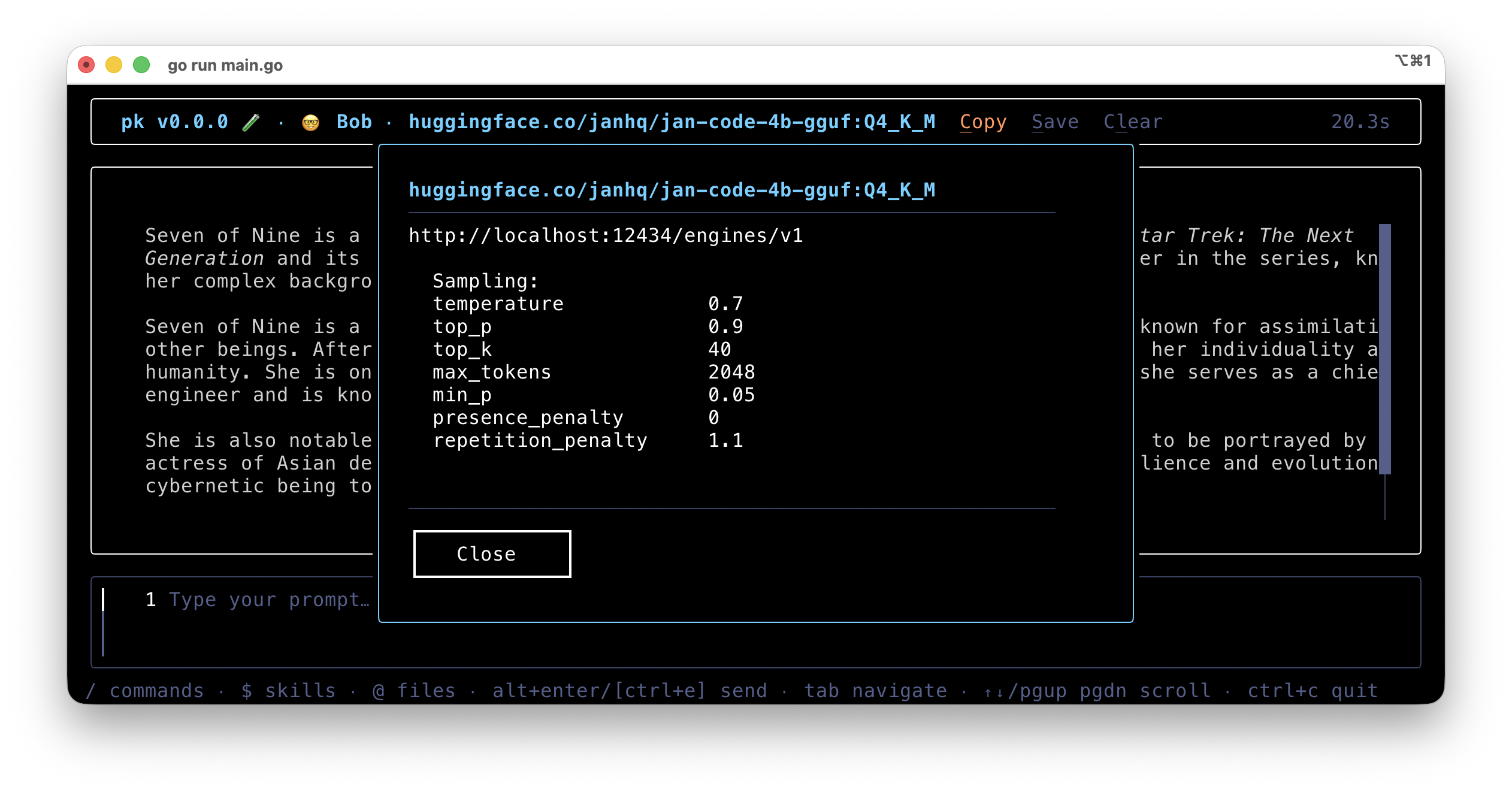
But you can see that more complex examples are possible too — like my pk project (penknife), a TUI for testing small local models:
That’s it for this first look at Pablo. I’ll have a second example ready soon. You’ll find the Pablo repository on Codeberg: https://codeberg.org/ui-disentangle/pablo.